How to Secure Your Smartphone: Practical Privacy and Safety Tips for Everyday Users
A simple, no-jargon guide to locking down your Android or iPhone — from screen locks and app permissions to UPI safety and stolen-phone recovery.
Page 2 of 4
Lock down your money apps
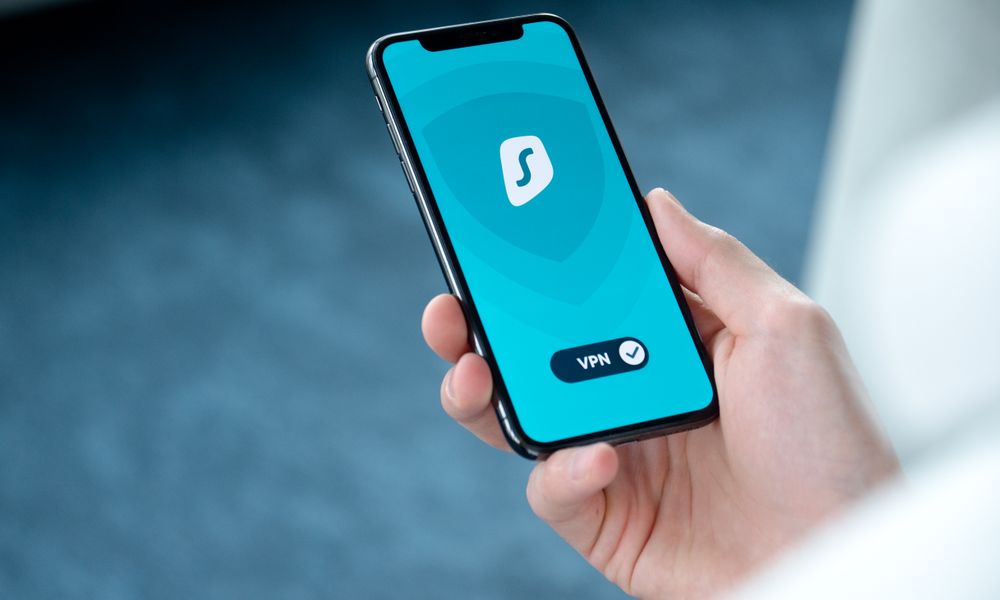
For most people in India, the phone is the wallet. UPI, net banking and payment apps deserve extra care.
- Set a separate app lock (PIN, fingerprint or face) on banking and UPI apps, so a stolen unlocked phone still cannot drain your account.
- Never approve a UPI "collect request" to receive money. You only enter your PIN to send money, never to receive it. This single rule stops a huge share of UPI scams.
- Ignore calls or messages asking you to install screen-sharing or "support" apps. No real bank or company will ask for this.
- Enable transaction alerts so you spot any unauthorised payment instantly.
Keep software updated and apps trustworthy
Updates are not just new features — they patch security holes that attackers actively exploit.
- Turn on automatic system updates and automatic app updates over Wi-Fi.
- Install apps only from the Google Play Store or Apple App Store. Sideloaded APKs from random websites are the single most common way phones get infected in India.
- Before installing, glance at the developer name, reviews and download count. A "bank" app with 200 downloads and bad English is a fake.